🥡 Orders
The takeout your family actually orders: where from, what you get and what it costs. Plan one for dinner like a recipe.
Meals → Orders
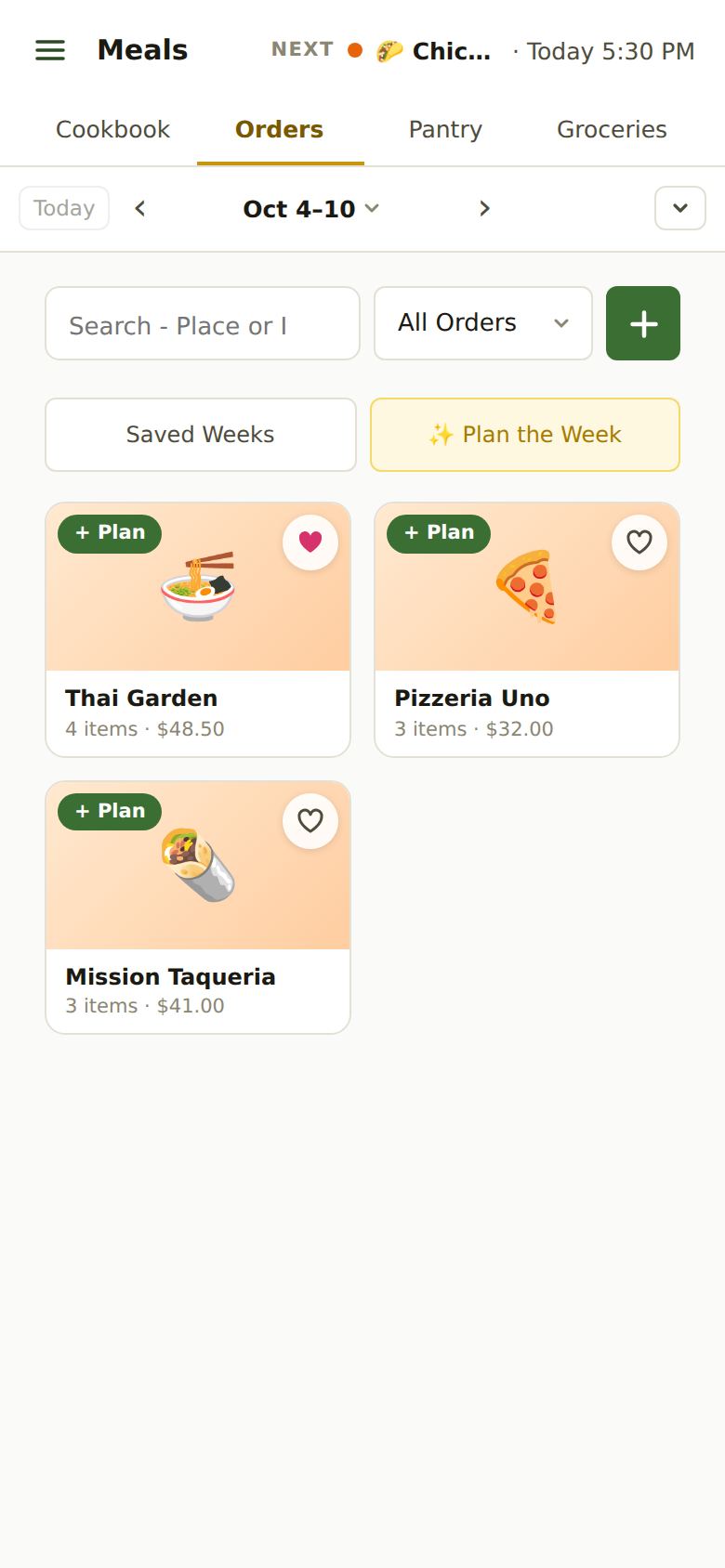
Adding an Order
Tap the green +. Three ways:
- Scan a Receipt: a photo of the paper receipt or a screenshot from the restaurant’s app. We read the place, the items and the price.
- Type It In: the place and what you order. The address helps with pickup timing.
- Email It: forward the receipt email (see below).
Reading a receipt is free.
Emailing Receipts
Send or forward a restaurant’s receipt email (DoorDash, Uber Eats, the restaurant itself…) to [email protected] from the email address you sign in with (or the alternate email on your Profile). It becomes an order here in a minute or so. Orders checks for new ones by itself when you open it, or tap ↻ Check for New.
Tired of forwarding? Forward them from Gmail automatically sets up a Gmail filter that sends only food receipts. The steps are in Account → Connections → Email.
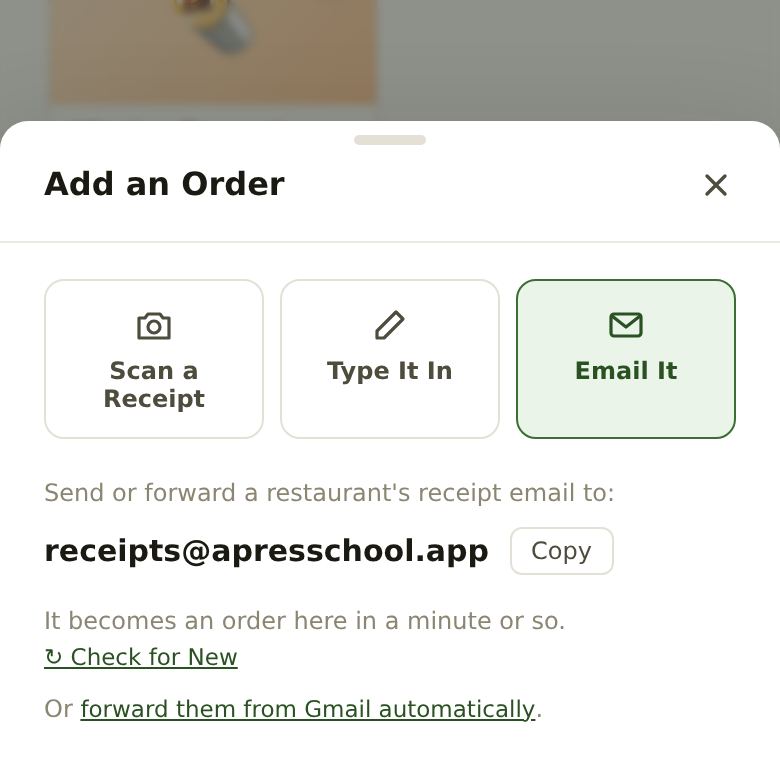
An Order’s Card
Tap an order to see its items, prices, total and address. Edit fixes anything we read wrong; + Plan puts it on the calendar. Tap the ♥ on a card to make it a favorite; ✨ Plan the Week Premium leans toward your favorites.
The All Orders menu narrows the list to favorites or one cuisine.
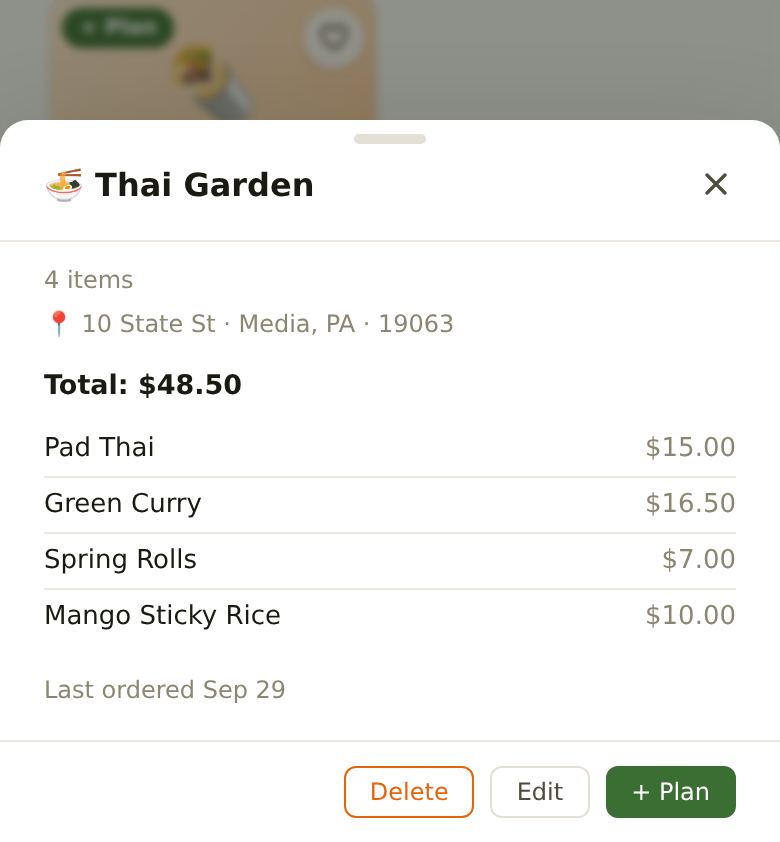
Planning Takeout for Dinner
Tap + Plan and pick the day, or press and hold the card and slide it onto the calendar (drag it on a computer). The order is timed to be home at your dinner time: AprèsSchool works back from dinner, allowing about 15 minutes’ wait at the restaurant plus the drive home.
- Pick-up: choose who picks it up on the planned order’s card, like a class drive. They get a reminder when it’s time to leave.
- Wait time: if your place is always slower (or faster), change the wait on the card.
Planned takeout shows on Home’s On the Menu with its pickup time.
Still Stuck?
Email [email protected] and we’ll get back to you. Or see all help articles.